Free & Open Source · WordPress Plugin
RSS NewsSync — your plugin for RSS news.
Point DaazSync at any RSS or Atom feed, choose a layout and paste a shortcode — your curated news section is live in minutes. No coding. No page-builder lock-in. No external dependencies.
See it in action
4 layouts, one shortcode
Every demo below is a live page running the real shortcode — not a mockup. Click through to see it rendering actual imported articles.
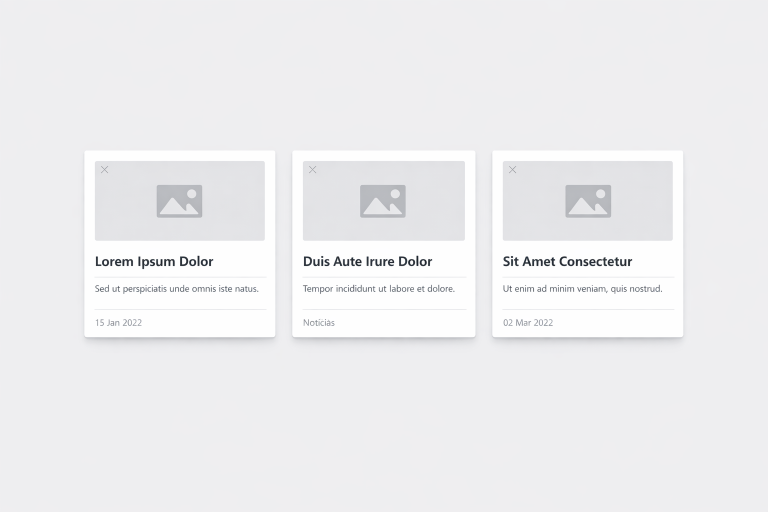
Grid
Responsive card grid, ideal for magazine-style pages and news portals.
layout=”grid”
See live demo →
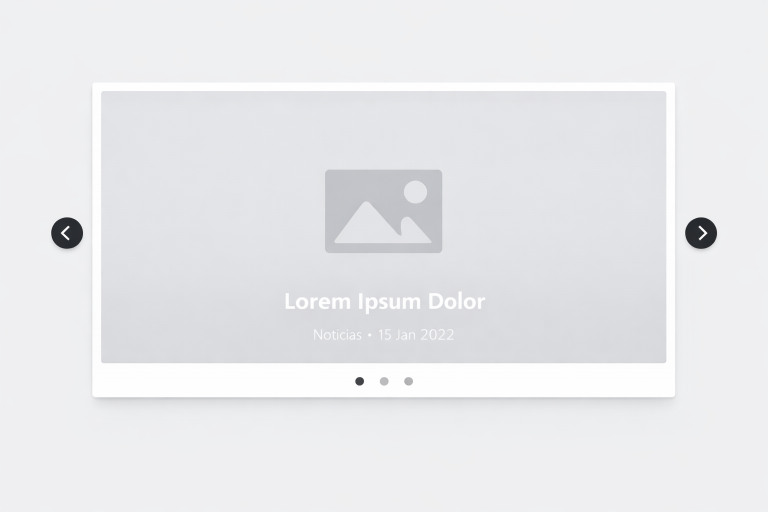
Hero
Large featured article with supporting cards alongside — great for homepages.
layout=”hero”
See live demo →
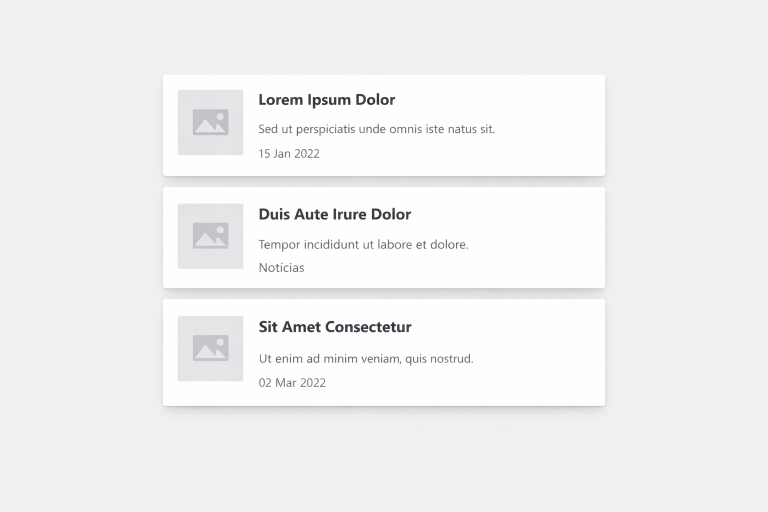
List & Minimal
Clean vertical list, perfect for sidebars and content-heavy pages. Switch to Minimal for an ultra-light, image-free version.
layout=”list”
See live demo →
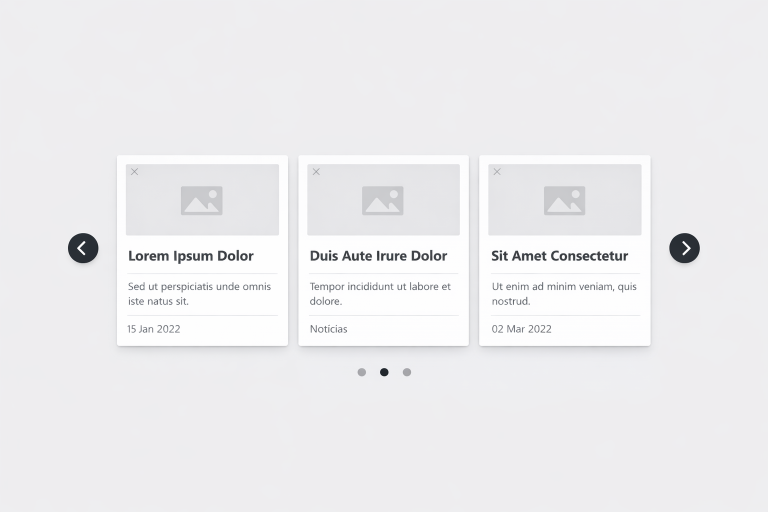
Carousel
Auto-playing or click-to-advance article slider — ideal for featured content.
layout=”carousel”
See live demo →
Switch layouts per shortcode any time — just change one attribute:
[newssync layout="grid" limit="6"]. Full parameter list in the Shortcode Reference.Everything you need — completely free
No coding. No page-builder lock-in.
Unlimited RSS/Atom feeds
Add as many sources as you need. Each feed gets its own category, enabling tight per-shortcode filtering with no extra configuration.
Powerful shortcode system
One shortcode gives full control:
[newssync layout="grid" limit="6" category="Tech"] — layout, limit, category, offset, ordering and display toggles.Auto-import as WordPress posts
Enable the built-in scheduler and new articles become real WordPress posts — searchable, categorisable and SEO-friendly.
Smart caching
Each feed is cached independently as a WordPress transient. Zero front-end API calls — output is clean, static HTML.
5 display layouts
Grid, List, Carousel, Hero and Minimal — pick the one that fits your design and switch it per shortcode.
Works everywhere
A standard WordPress shortcode — no dependency on any specific editor or builder.
Gutenberg
Elementor
Divi
Beaver Builder
Classic Editor
Any PHP template
Who uses DaazSync
Built for anyone who needs fresh content, automatically
Bloggers & content creators
Automatically embed related news inside posts.
News portals
Aggregate content from multiple sources into topic-based sections.
Agencies
Manage multiple client sites with automated, always-fresh news areas.
Niche communities
Curate content around tech, crypto, finance, sport or any other topic.
Corporate intranets
Surface industry news for internal teams without manual curation.
Power users
Build multi-column, multi-source news layouts with layered shortcodes.
Get started in 3 steps
Your live news feed, in minutes
1 Activate DaazSync → Feeds
→
2 Add a feed & assign a category
→
3 Paste
[newssync layout="grid" limit="6"]Free vs PRO
Take it further with DaazSync PRO
DaazSync — Free
- Unlimited RSS/Atom feeds
- 5 layouts, full shortcode system
- Auto-import as posts
- Category-level filtering
- Smart per-feed caching
DaazSync PRO
- AI summaries (OpenAI, Claude, Gemini, Groq)
- Full-text extraction
- Keyword filtering (AND/OR logic)
- Managed feeds dashboard & health alerts
- Best-of-Day shortcode, 4 premium layouts
Common questions
Before you install
Is DaazSync really free?
Yes. The core plugin — unlimited feeds, 5 layouts, the full shortcode system, auto-import and caching — is 100% free and open source (GPLv2). DaazSync PRO is a separate, optional paid add-on.
How many RSS feeds can I add?
Unlimited, in both the free and PRO version. There has never been a cap on the number of feeds.
Does it work with Elementor, Divi or other page builders?
Yes. DaazSync uses a standard WordPress shortcode that works in any editor or builder that supports shortcodes.
Will this slow down my website?
No. Feed data is cached as WordPress transients and served as plain HTML — no front-end API calls, aside from a lightweight Swiper instance for the Carousel layout.
Does the plugin send my data to external servers?
No. DaazSync only contacts the RSS feed URLs you configure. The optional PRO AI summary feature connects directly to the AI provider you choose, using your own API key.
My feed shows no articles — what should I try?
Open the feed URL in a browser to confirm it’s valid XML, click Refresh on the feed, and clear the plugin cache. Full steps in Installation & Setup.
Ready to add a live news section to your site?
Free forever for the core plugin. Upgrade to PRO any time you need AI summaries, full-text extraction or advanced filtering.